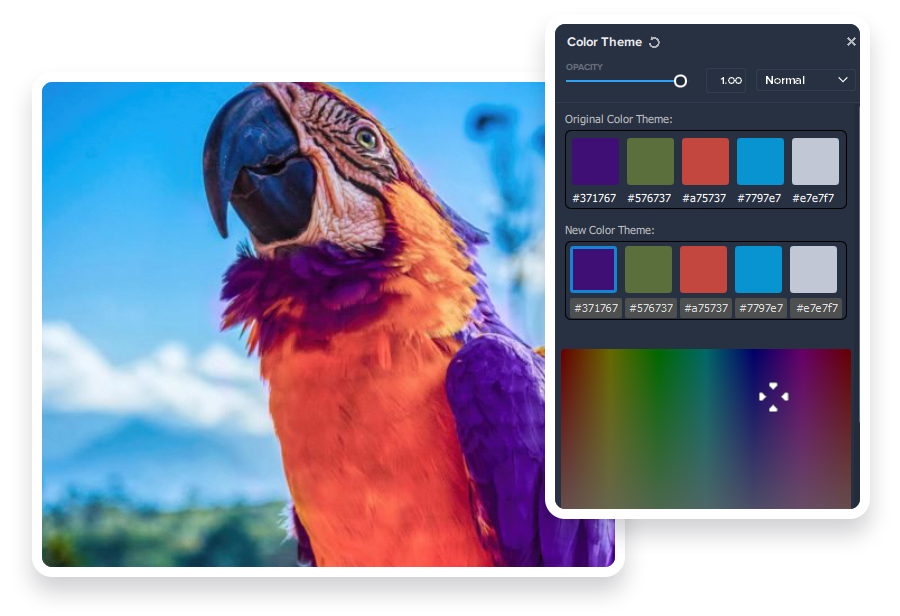
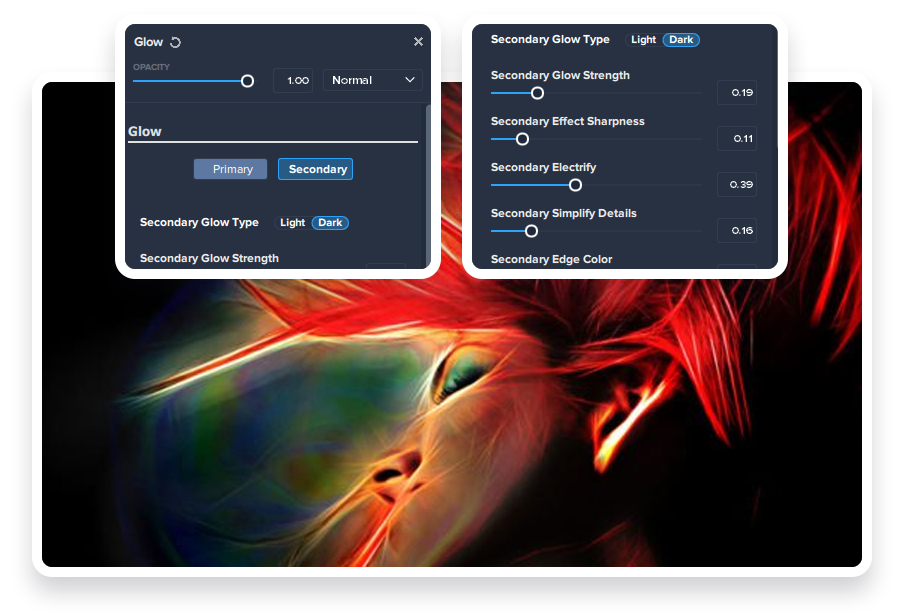
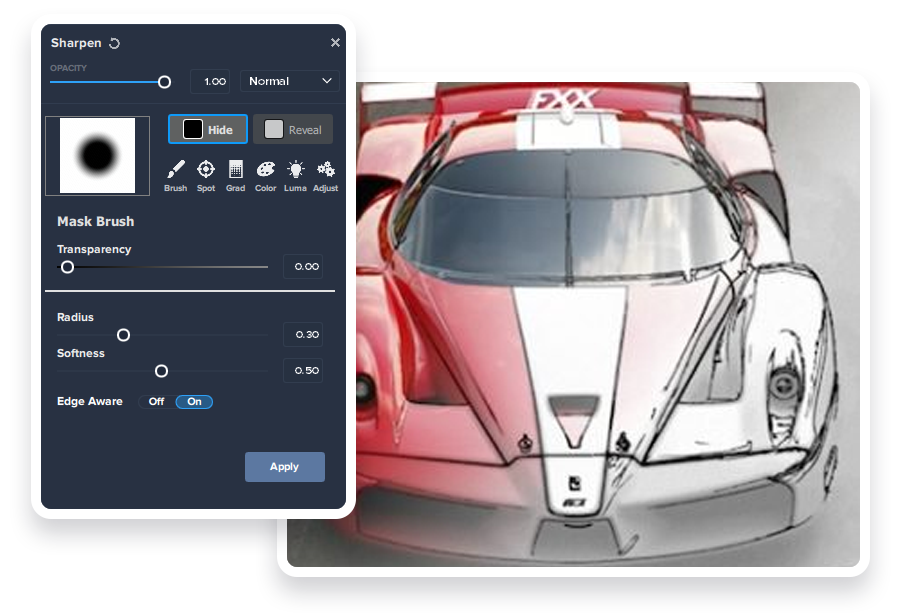
A workflow devoted entirely to creative photo post-processing.
Topaz Studio 2 has only one purpose: *creative photo editing*. This starts after you select your image and ends when you export your finished work. It’s designed specifically around the artisanal post-processing workflow of painstakingly crafting a single image to your vision.
Studio is the editor to use when you want jaw-dropping images and you’re not afraid to spend the time to get them. It’s for creating works that push the bounds of your artistic vision; the few that you know you’ll look back upon in years as one of your best creations.
That’s why you won’t find library management, design tools, batch editing, or other common “image editor” tools in Studio. There’s a lot of photo editors out there that help you manage your workflow and make minor contrast adjustments. Topaz Studio is not intended for that. If it doesn’t contribute to the vision of creating singularly beautiful images through post-processing, then we’re not including it.
Instead, Topaz Studio 2 focuses on doing three things well. We consider these the product’s guiding design principles and firmly believe that they will make your creative workflow both *easier* and *faster*:
Cutting Edge Filters
Most image editor tools are the same: your Exposure in one editor is the same Exposure in another. In Studio, we’ve thought about what common adjustments would look like if they were designed today, and updated them to their most modern and useful forms.
Very rarely do you want to apply the same effect to all parts of your image the same. Studio considers masking and selective adjustments to be a core task, and features several innovations that make selective editing substantially easier and faster for you.
Mix and match filters and effects with different blending modes and opacity. Everything that you do in Studio can be edited and adjusted after the fact with a fully non-destructive layer workflow.
We believe these are the key ingredients that will help you create the best images possible. If you’ve ever struggled with just “not getting enough” from your current editor, give Topaz Studio a try.
You’ll find that these aren’t your everyday image editing filters as soon as you give them a try.
Topaz Labs actually started off creating Photoshop filters. We’ve condensed our decade of specialized post-processing experience into a set of the most useful filters available only for Studio 2. Here are some of the most popular ones that you won’t find anywhere else.
AI Clear
This AI-powered tool can actually sharpen detail while removing noise. Give it a try on your own images to see why some photographers say that AI Clear is the best thing we’ve ever developed.
"At first I was skeptical, but after using it for four month it has become the first plugin that I use with most of my images. Then I use my other editing tools.... What I like most is it removes the noise and adds back details without looking artificial."
When was the last time that using the Contrast slider produced a breathtaking image? Chances are, it blew out highlights and crushed shadows in your image instead.
Precision Contrast is the modern version of Contrast. It uses micro-contrast to gives your image crisp details and better tone without losing highlights or shadows.
"It doesn't matter if you're shooting fashion, architecture, or landscapes, micro-contrast can make your images POP. You'll jump up and down in your editing chair from joy."
Turn your photos into exquisite monochrome images that will emotionally move your viewers. The Black and White filter uses a unique BW conversion engine that emphasizes tone and texture in order to help you get BW images that pop.
"Most people forget the importance of mid-gray tones. Mid-grays are what gives substance to a BW image and makes it juicy - they tell the story. I love how Topaz BW Effects handles the mid-greys in a very subtle and precise way."
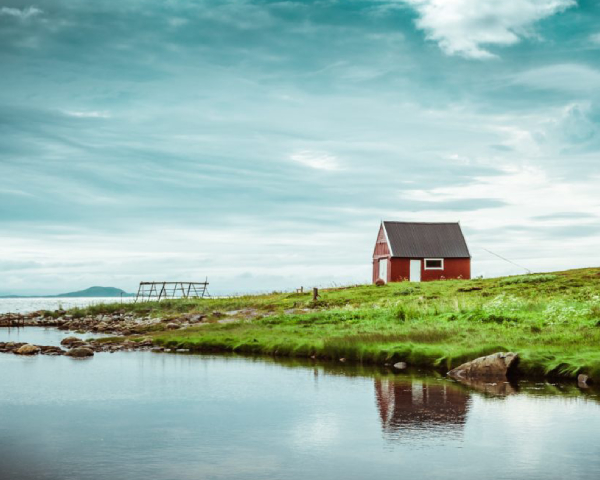
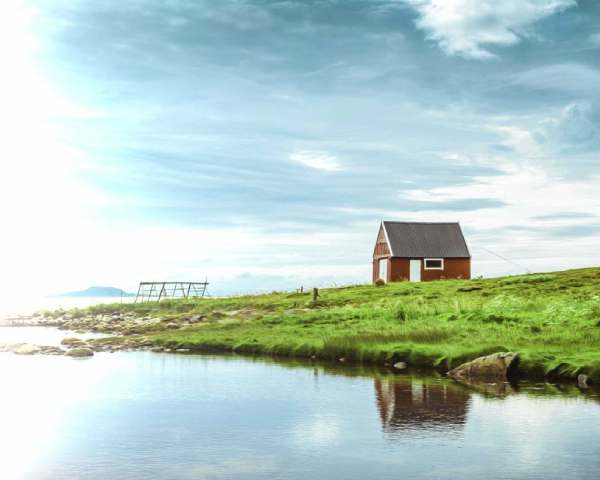
Filters work really well individually, but they work even better combined together. Explore different types of styles for your images with a single click.
Original
Daylight
Landscape PRO
Depth Effect / Soft Effect
Coastal Sunrise
Bright and Detailed
Cotton Candy
Romantic
2. Powerful selective adjustments and masking.
There’s a big difference between masking for compositing vs. selective adjustments. Topaz Studio focuses on making it easy and fast to mask your photo for selective adjustments. We think about masking as a central feature of the product instead of an add-on. As you’ll see, this led to design decisions intended to shorten the amount of time you spend refining your mask, like including *edge awareness* in each masking tool in Studio.
Brush tool
Select different parts of your image by painting directly on it.
Topaz Studio’s brush is *edge aware* by default. This means you can quickly paint over your selection without having to worry too much about staying between the lines. This is the fastest and most direct way to selectively apply an effect to your image.
Spot tool
Emphasize a certain subject in your photo with the edge-aware spot tool.
The spot tool is the fastest way to draw attention to a certain part of your image. Since it is edge- and color-aware, you don’t need to worry about refining your mask too much.
Gradient tool
lorem ipsum dolor sit amet, consectetur adipisicing elit, sed do eiusmod tempor incididunt ut labore et dolore magna aliqua. Ut enim ad minim veniam, quis nostrud exercitation ullamco laboris nisi ut aliquip ex ea commodo consequat. Duis aute irure dolor in reprehenderit in voluptate velit esse cillum dolore eu fugiat nulla pariatur. Excepteur sint occaecat cupidatat non proident, sunt in culpa qui officia deserunt mollit anim id est laborum.
Color tool
Emphasize a certain subject in your photo with the edge-aware spot tool.
The spot tool is the fastest way to draw attention to a certain part of your image. Since it is edge- and color-aware, you don’t need to worry about refining your mask too much.
Luminance Tool
Emphasize a certain subject in your photo with the edge-aware spot tool.
The spot tool is the fastest way to draw attention to a certain part of your image. Since it is edge- and color-aware, you don’t need to worry about refining your mask too much.
3. Fully non-destructive layers.
Layers are great for creative post-processing because they allow you to apply effects in all kinds of different ways to your image. Let’s walk through what you can do with them.