Posted on

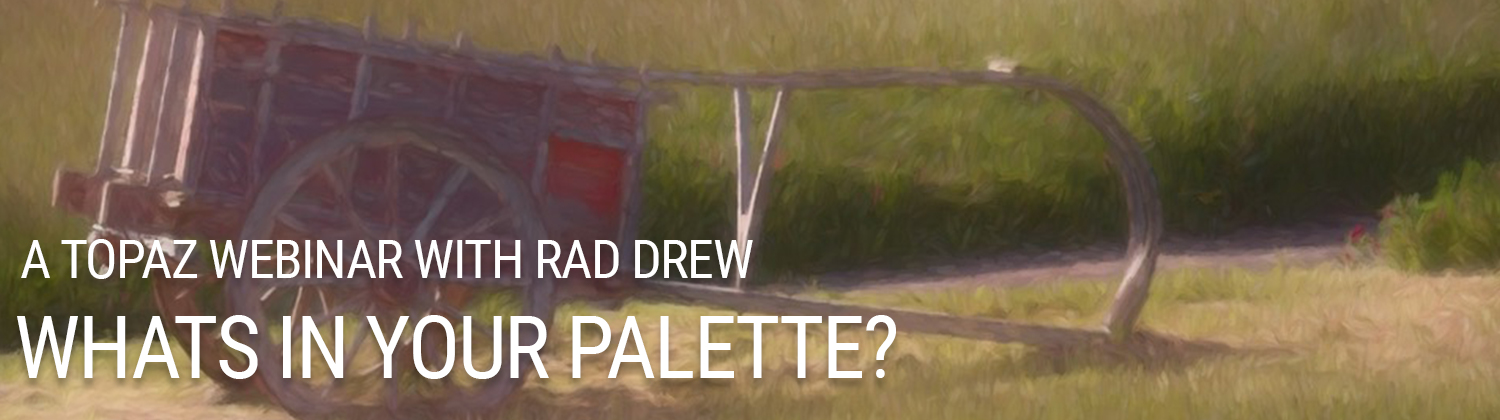
VIDEO: Whats in your palette with Rad Drew

[vc_row css=”.vc_custom_1505230663014{background-color: #0a0a0a !important;}”][vc_column][vc_empty_space height=”50″][vc_video link=”https://youtu.be/TxNXTsnkTRE”][vc_empty_space][vc_empty_space][/vc_column][/vc_row][vc_row css=”.vc_custom_1508948472604{padding-right: 10px !important;padding-left: 10px !important;background-color: #eaeaea !important;}”][vc_column][vc_empty_space][vc_row_inner content_width=”grid” gap=”20″][vc_column_inner][vc_empty_space][vc_column_text]

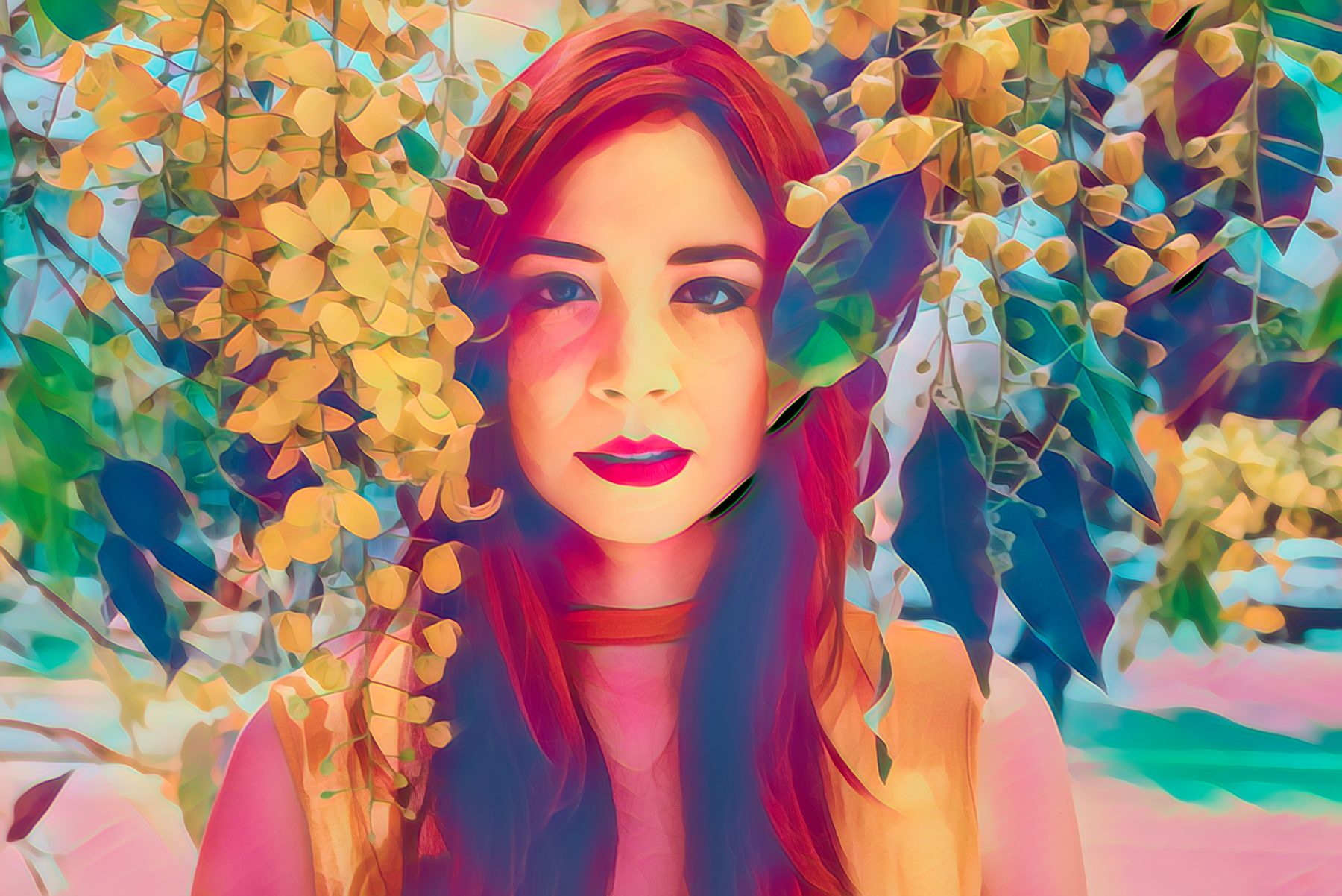
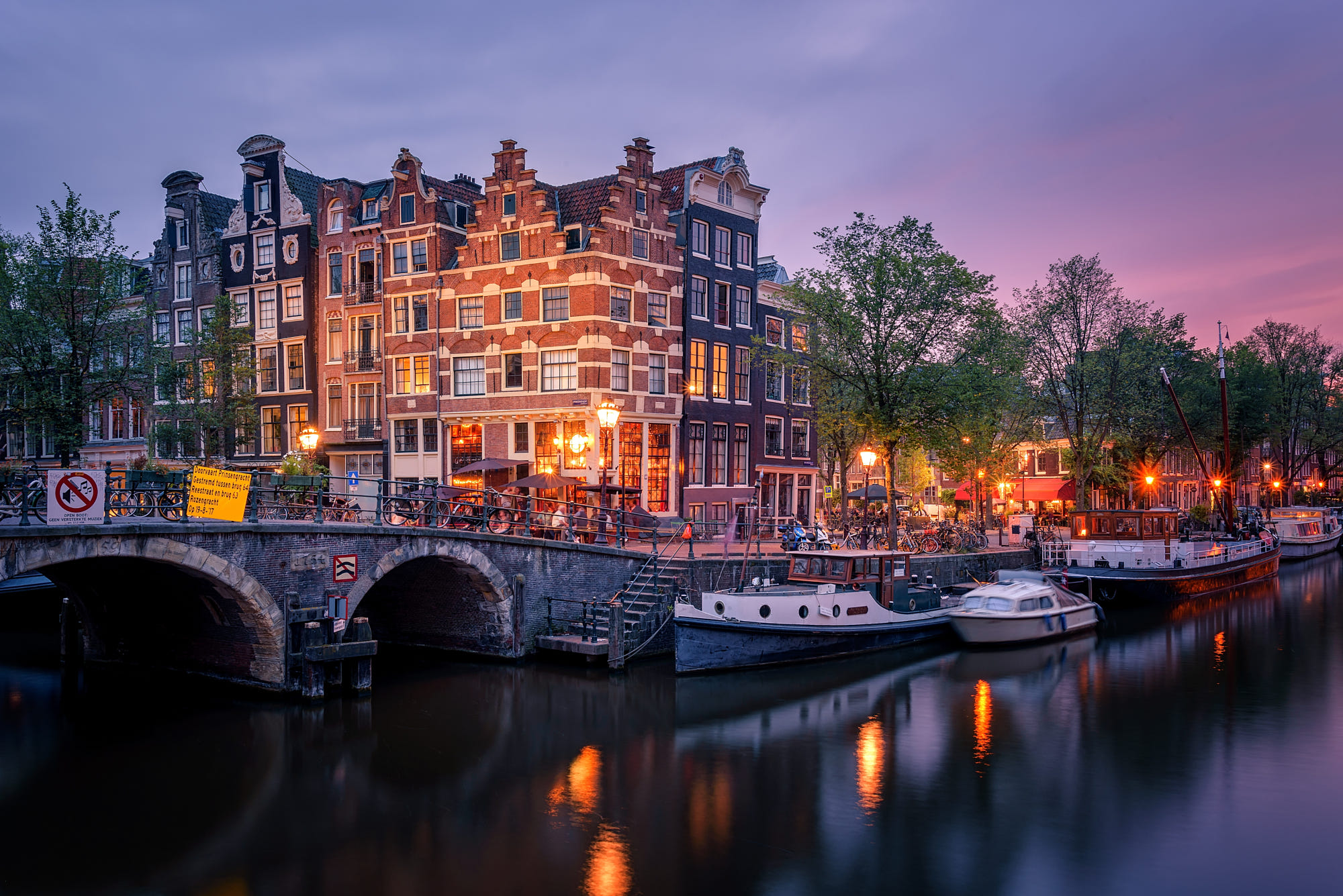
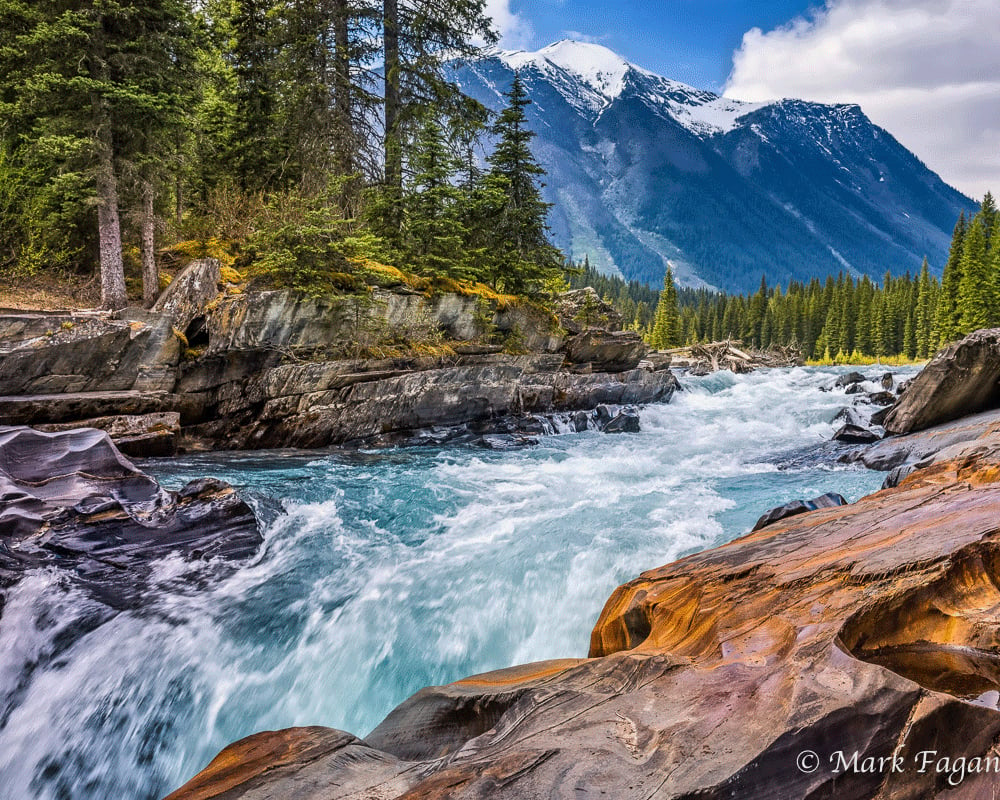
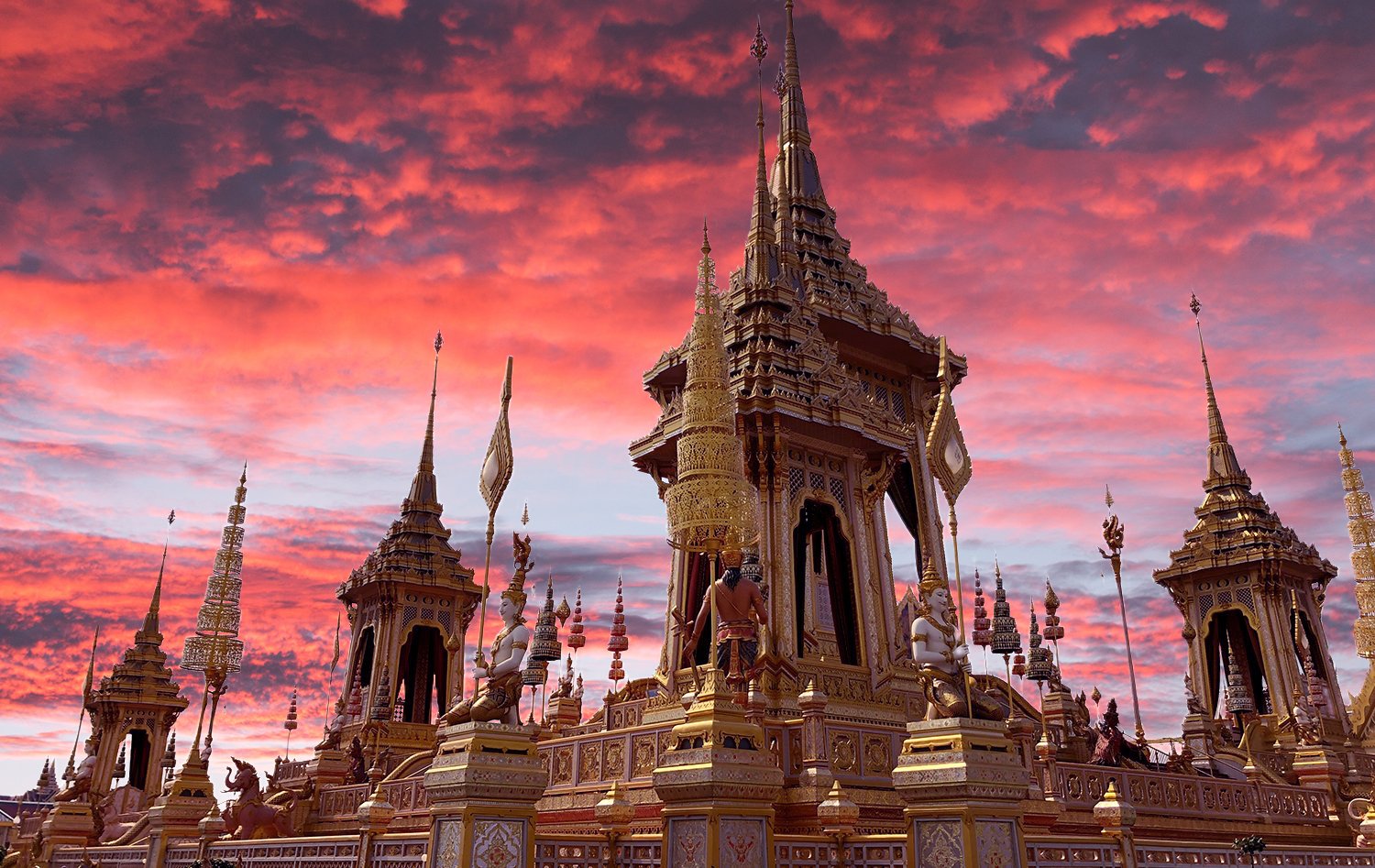
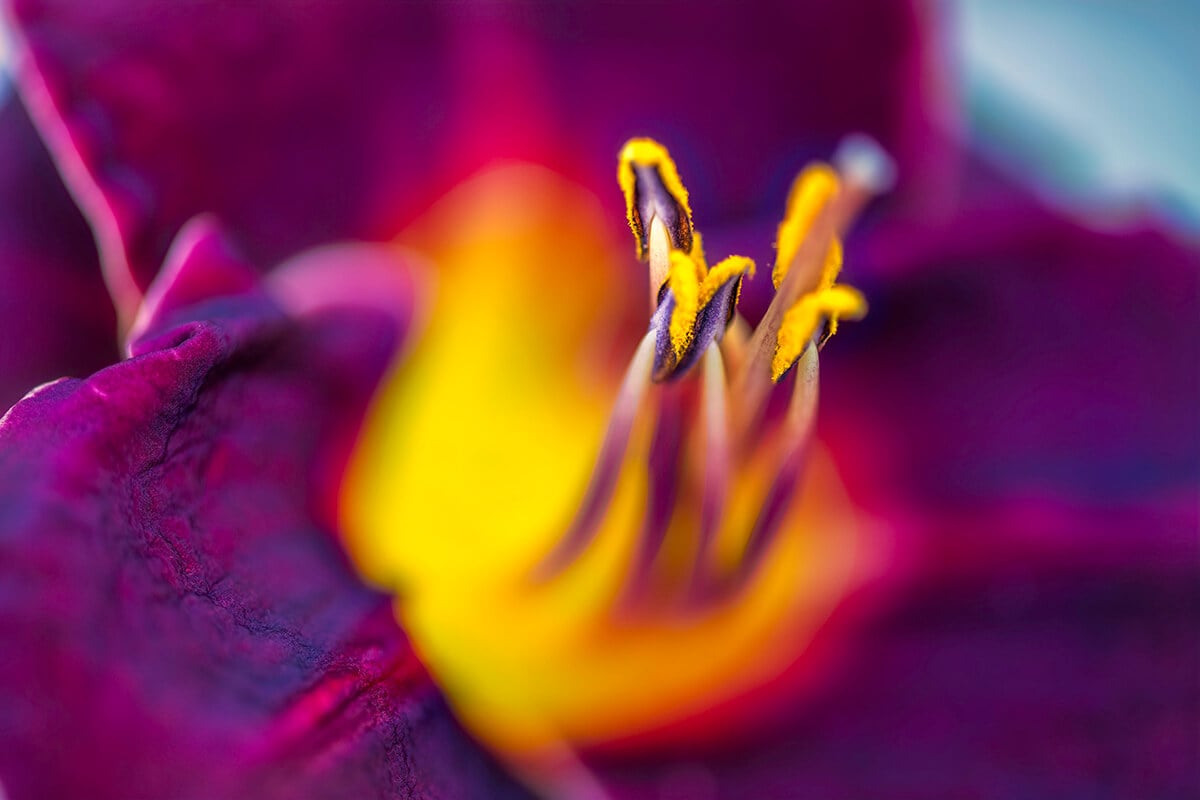
It’s no secret that we photographers enjoy making images! Getting out to great locations, experiencing the light, and knowing the tools are all part of our creative process. And in digital photography at least half the process — and half the fun! — comes during post-processing. It’s in post-processing where we can bring out the details of the exact scene we experienced, or apply textures, filters, and painterly effects to create an image that is more a product of the imagination. 

Join photographer Rad Drew as he explores a palette full of Topaz Lab’s adjustments and tools to continue the process of creating images and manifesting creative vision in the digital darkroom. Rad will review updates to AI Clear, and take another look at the remarkable AI Gigapixel, Topaz’s latest artificial intelligence software for enlarging images. Then he’ll share his workflow for processing landscapes, Cuban ballet dancers, and his hallmark infrared images using a variety of editing tools and Pro Adjustments. 

Rad is a teacher, tour leader, and award-winning photographer whose creative images have been recognized in juried international competitions and exhibited in galleries around the world. His photography workshops in the South of France, Cape Cod, Tuscany, Cuba, and other destinations throughout the USA are great ways to learn while photographing beautiful areas of the world.

[/vc_column_text][vc_empty_space][vc_column_text]

Download Topaz Studio

Rad’s Website: http://www.RadDrewPhotography.com

[/vc_column_text][vc_empty_space][/vc_column_inner][/vc_row_inner][vc_empty_space][/vc_column][/vc_row]
Posted on 1 Comment

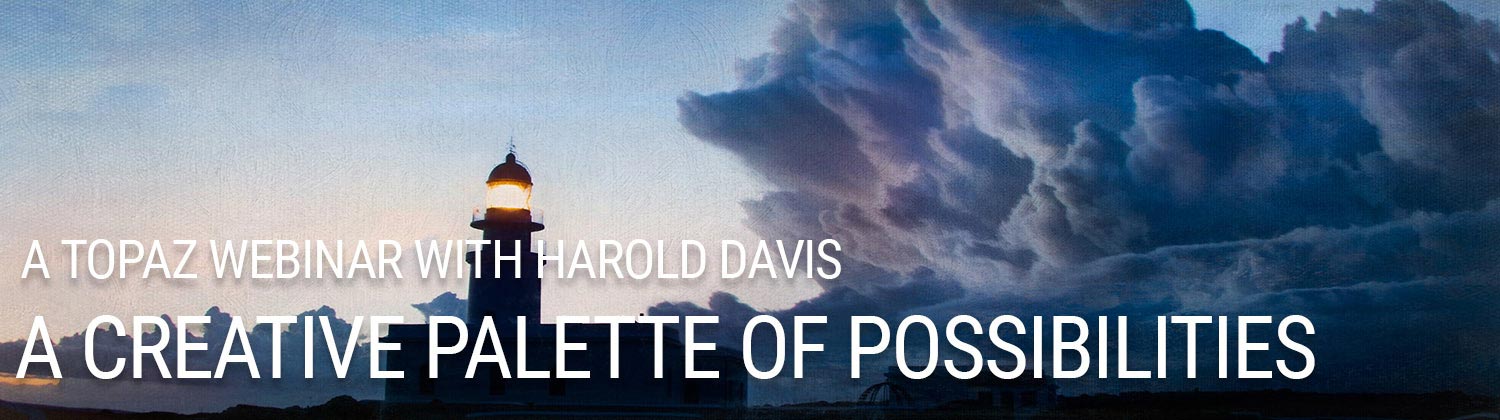
VIDEO: A Creative Palette Of Possibilities Using Topaz Presented By Harold Davis

[vc_row css=”.vc_custom_1505230663014{background-color: #0a0a0a !important;}”][vc_column][vc_empty_space height=”50″][vc_video link=”https://www.youtube.com/watch?v=igYHR3MWE9w”][vc_empty_space][vc_empty_space][/vc_column][/vc_row][vc_row css=”.vc_custom_1505230674870{background-color: #eaeaea !important;}”][vc_column][/vc_column][/vc_row][vc_row css=”.vc_custom_1508948472604{padding-right: 10px !important;padding-left: 10px !important;background-color: #eaeaea !important;}”][vc_column][vc_empty_space][vc_row_inner gap=”20″][vc_column_inner][vc_empty_space][vc_column_text]

In this all-new webinar, Harold Davis demonstrates how he uses Topaz Studio, Glow, Adjust, Simplify, Impression, and Texture Effects as a creative palette of possibilities for taking his work to the next level. Harold will show his favorite effects within each of these Topaz Photoshop plugins, and demonstrate how he combines the use of the Topaz software with the use of Photoshop layers, masking, and blending modes for pinpoint control and enhanced creativity. Harold notes that he is “often asked by clients to make very large prints. While I am working with high-resolution RAW files, I still need to enlarge these for good results. With the release of Topaz A.I. Gigapixel, I have a new and excellent tool for my resizing needs.” This webinar will conclude with an overview demo of how Harold includes A.I. Gigapixel in his printmaking workflow. 

About Harold Davis: Harold Davis is an internationally recognized digital artist and photographer, the bestselling author of many books about photography, and a notable photographic educator and workshop leader. He is a Moab Master and a Zeiss Ambassador.

[/vc_column_text][vc_empty_space][vc_column_text]

Download Topaz Studio

Joe’s Website: www.digitalfieldguide.com

[/vc_column_text][vc_empty_space][/vc_column_inner][/vc_row_inner][vc_empty_space][/vc_column][/vc_row][vc_row css=”.vc_custom_1534441729460{background-color: #333333 !important;}”][vc_column][mpc_icon_column preset=”mpc_preset_40″ layout=”style_2″ url=”url:https%3A%2F%2Ftopazlabs.com%2Fdownloads%23studio|||” background_color=”#333333″ border_css=”border-color:#333333;border-style:solid;border-radius:0px;” padding_css=”padding:30px;” title_font_preset=”mpc_preset_1″ title_font_color=”#ffffff” title_font_size=”17″ title_font_line_height=”1.4″ title_font_transform=”uppercase” title_font_align=”center” title=”Get Topaz Studio™ Free” title_margin_divider=”true” title_margin_css=”margin-bottom:8px;” content_font_preset=”mpc_preset_1″ content_font_color=”#ffffff” content_font_size=”14″ content_font_line_height=”1.5″ content_font_align=”center” hover_border_css=”border-color:#ffffff;border-radius:0px;” mpc_icon__transition=”slide-up” mpc_icon__icon_type=”image” mpc_icon__icon_image_size=”80×80″ mpc_icon__icon_image=”5930″ mpc_icon__background_color=”#ffffff” mpc_icon__border_css=”border-width:0px;border-color:#d472a5;border-style:solid;border-radius:20px;” mpc_icon__padding_css=”padding:10px;” mpc_icon__margin_divider=”true” mpc_icon__margin_css=”margin-bottom:20px;” mpc_icon__hover_icon_color=”#ffffff” mpc_icon__hover_border_css=”border-color:#ffffff;” mpc_divider__disable=”true” mpc_divider__width=”10″ mpc_divider__align=”left” mpc_divider__content_padding_divider=”true” mpc_divider__content_padding_css=”padding-top:0px;padding-right:0px;padding-bottom:0px;padding-left:0px;” mpc_divider__lines_color=”#dddddd” mpc_divider__padding_divider=”true” mpc_divider__padding_css=”padding-top:3px;padding-bottom:3px;”]

Get started with the Photographer’s effect toolbox absolutely free when you download Topaz Studio. You’ve got nothing to lose.

[/mpc_icon_column][vc_empty_space][/vc_column][/vc_row]
Posted on 2 Comments

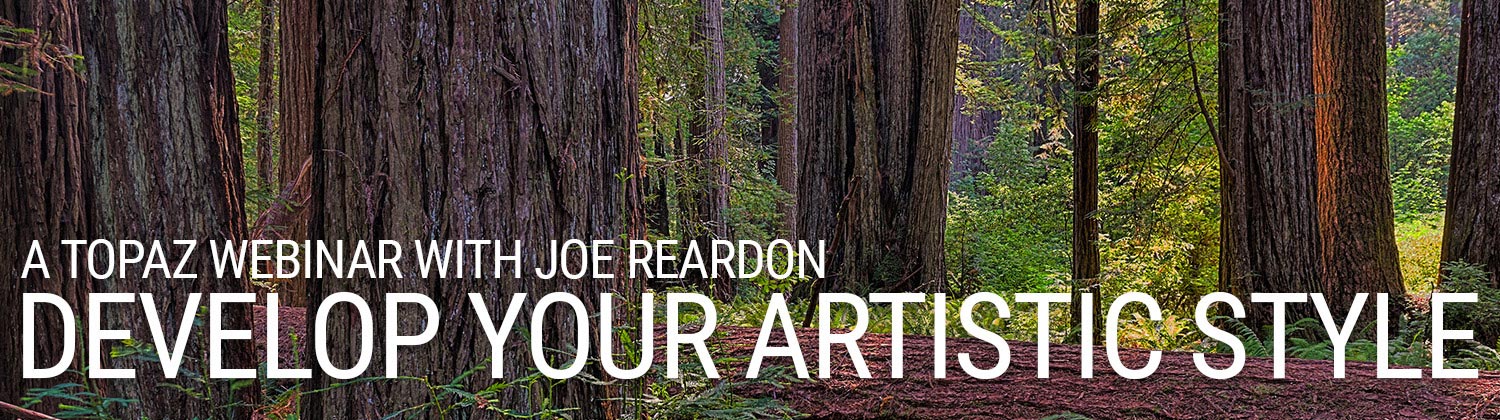
VIDEO: How to develop your Artistic Style using Topaz Studio presented by Joe Reardon

[vc_row css=”.vc_custom_1505230663014{background-color: #0a0a0a !important;}”][vc_column][vc_empty_space height=”50″][vc_video link=”https://youtu.be/vxgiyF0ASpY”][vc_empty_space][vc_empty_space][/vc_column][/vc_row][vc_row css=”.vc_custom_1505230674870{background-color: #eaeaea !important;}”][vc_column][/vc_column][/vc_row][vc_row css=”.vc_custom_1508948472604{padding-right: 10px !important;padding-left: 10px !important;background-color: #eaeaea !important;}”][vc_column][vc_empty_space][vc_row_inner gap=”20″][vc_column_inner][vc_empty_space][vc_column_text]

Join Joe Reardon as he shares his signature style and workflow using multiple effects in Topaz Products including B&W, Lens Effects, Studio, Multi Image Blending, AI Clear and AI Gigapixel 

Joe is a New Hampshire based freelance photographer, workshop leader and instructor. He is a juried artist at the New Hampshire Art Association, Plymouth Center for the Arts, South Shore Art Association, Cambridge Art Association, Rockport Art Association and the Copley Society of Art. 

He regularly leads workshops and software training in and around the New England area and has had his work displayed in both the US Senate and the US Congress. 

[/vc_column_text][vc_empty_space][vc_column_text]

Download Topaz Studio

Joe’s Website: https://www.joereardonphotography.com/

[/vc_column_text][vc_empty_space][/vc_column_inner][/vc_row_inner][vc_empty_space][/vc_column][/vc_row][vc_row css=”.vc_custom_1534441729460{background-color: #333333 !important;}”][vc_column][mpc_icon_column preset=”mpc_preset_40″ layout=”style_2″ url=”url:https%3A%2F%2Ftopazlabs.com%2Fdownloads%23studio|||” background_color=”#333333″ border_css=”border-color:#333333;border-style:solid;border-radius:0px;” padding_css=”padding:30px;” title_font_preset=”mpc_preset_1″ title_font_color=”#ffffff” title_font_size=”17″ title_font_line_height=”1.4″ title_font_transform=”uppercase” title_font_align=”center” title=”Get Topaz Studio™ Free” title_margin_divider=”true” title_margin_css=”margin-bottom:8px;” content_font_preset=”mpc_preset_1″ content_font_color=”#ffffff” content_font_size=”14″ content_font_line_height=”1.5″ content_font_align=”center” hover_border_css=”border-color:#ffffff;border-radius:0px;” mpc_icon__transition=”slide-up” mpc_icon__icon_type=”image” mpc_icon__icon_image_size=”80×80″ mpc_icon__icon_image=”5930″ mpc_icon__background_color=”#ffffff” mpc_icon__border_css=”border-width:0px;border-color:#d472a5;border-style:solid;border-radius:20px;” mpc_icon__padding_css=”padding:10px;” mpc_icon__margin_divider=”true” mpc_icon__margin_css=”margin-bottom:20px;” mpc_icon__hover_icon_color=”#ffffff” mpc_icon__hover_border_css=”border-color:#ffffff;” mpc_divider__disable=”true” mpc_divider__width=”10″ mpc_divider__align=”left” mpc_divider__content_padding_divider=”true” mpc_divider__content_padding_css=”padding-top:0px;padding-right:0px;padding-bottom:0px;padding-left:0px;” mpc_divider__lines_color=”#dddddd” mpc_divider__padding_divider=”true” mpc_divider__padding_css=”padding-top:3px;padding-bottom:3px;”]

Get started with the Photographer’s effect toolbox absolutely free when you download Topaz Studio. You’ve got nothing to lose.

[/mpc_icon_column][vc_empty_space][/vc_column][/vc_row]