[vc_row css=”.vc_custom_1499750369090{padding-top: 20px !important;padding-bottom: 20px !important;}”][vc_column][vc_column_text]
Created with: Topaz Studio version 1.2.7
[/vc_column_text][vc_empty_space][vc_column_text]
Introducing Impression in Studio
Topaz Impression has been upgraded to “Impression in Studio” and has officially moved into Topaz Studio! Moving Impression into Topaz Studio will enable us to focus on the overall mission of improving the entire Topaz Labs workflow and experience from start to finish
[/vc_column_text][/vc_column][/vc_row][vc_row][vc_column][vc_empty_space][vc_separator][vc_empty_space height=”15px”][vc_empty_space height=”15px”][vc_video link=”https://youtu.be/Z7weA9GzpCc”][vc_empty_space height=”15px”][vc_separator][vc_empty_space height=”15px”][/vc_column][/vc_row][vc_row css=”.vc_custom_1499750369090{padding-top: 20px !important;padding-bottom: 20px !important;}”][vc_column][vc_row_inner][vc_column_inner width=”1/2″][vc_single_image image=”86108″ img_size=”large” alignment=”center” onclick=”link_image”][vc_column_text]
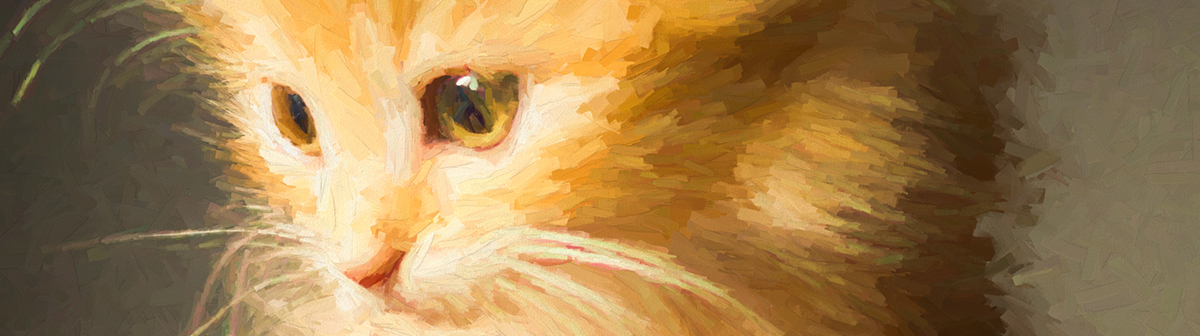
Before – Impression 2.0
[/vc_column_text][vc_empty_space][/vc_column_inner][vc_column_inner width=”1/2″][vc_single_image image=”86110″ img_size=”large” alignment=”center” onclick=”link_image”][vc_column_text]
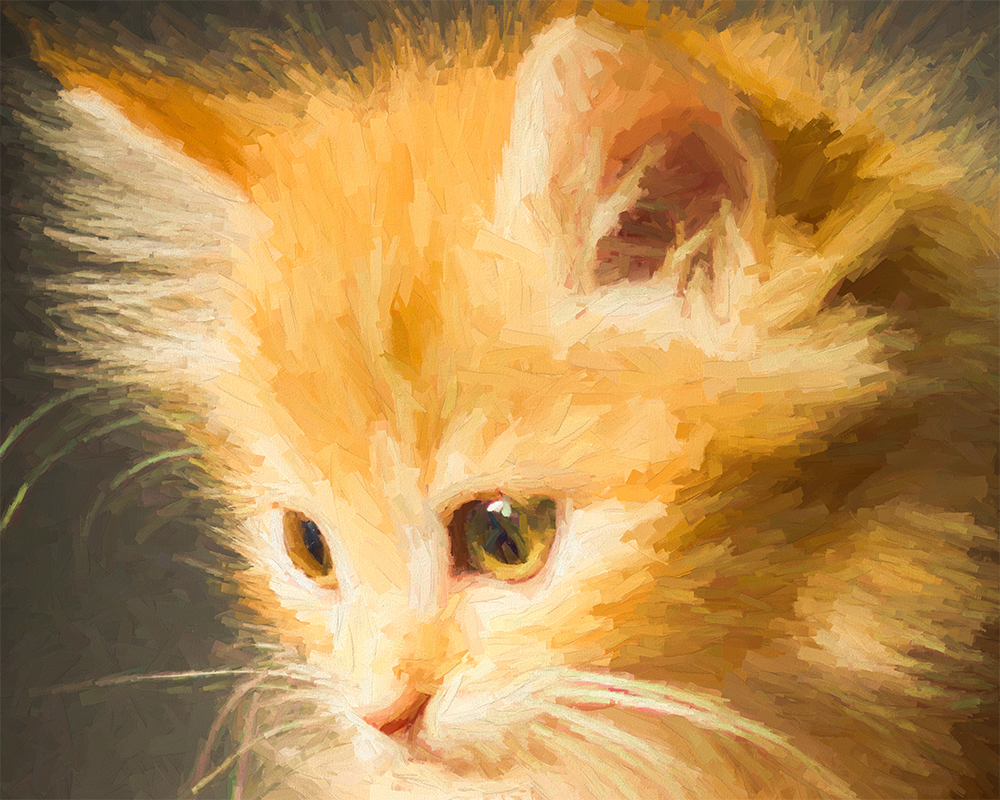
After – Impression in Studio
[/vc_column_text][vc_empty_space][/vc_column_inner][/vc_row_inner][vc_empty_space][vc_column_text css=”.vc_custom_1505701159117{padding-top: 20px !important;}”]
Now inside Topaz Studio
Going forward, you will access Impression from the Topaz Studio application. Impression can now be accessed without a paid host editor (such as Photoshop and Lightroom), AND you can access Impression directly from the Workflow Panel in Topaz Studio. With this new name, we begin the journey to a more integrated, complete, and user-focused product.
[/vc_column_text][vc_empty_space][vc_single_image image=”86113″ img_size=”full” alignment=”center” onclick=”link_image”][vc_column_text css=”.vc_custom_1505701296787{padding-top: 20px !important;}”]We have added Impression to several different areas inside Topaz Studio to make it more accessible to you. You can access Impression through the workflow panel on the left under “Specialty”, adjustment drop-down menu, and also, from the blue adjustment shortcut button on the workspace to the right.[/vc_column_text][vc_empty_space][vc_separator][/vc_column][/vc_row][vc_row css=”.vc_custom_1505754099761{padding-top: 20px !important;padding-bottom: 20px !important;}”][vc_column][vc_column_text]
New Features
The Upgrade from Impression 2 to Impression in Studio comes with some awesome new performance and processing upgrades, a new interface, as well as new features. [/vc_column_text][vc_empty_space][vc_row_inner][vc_column_inner width=”1/2″][vc_column_text css=”.vc_custom_1505706973285{padding-top: 20px !important;}”]
Painting Progress
The Painting Progress Timeline allows you to move forward and backward through the development of the Impression effect added to your image!
You can find this new slider at the very option of the “Stroke” section of the Impression Adjustment.[/vc_column_text][/vc_column_inner][vc_column_inner width=”1/2″][vc_single_image image=”86152″ img_size=”full” onclick=”link_image”][/vc_column_inner][/vc_row_inner][vc_row_inner][vc_column_inner width=”1/3″][vc_empty_space][vc_single_image image=”86522″ img_size=”full” alignment=”center” onclick=”link_image”][vc_column_text]
25% Painting Progress
[/vc_column_text][/vc_column_inner][vc_column_inner width=”1/3″][vc_empty_space][vc_single_image image=”86521″ img_size=”full” alignment=”center” onclick=”link_image”][vc_column_text]
50% Painting Progress
[/vc_column_text][/vc_column_inner][vc_column_inner width=”1/3″][vc_empty_space][vc_single_image image=”86520″ img_size=”full” alignment=”center” onclick=”link_image”][vc_column_text]
75% Painting Progress
[/vc_column_text][/vc_column_inner][/vc_row_inner][vc_empty_space][vc_row_inner][vc_column_inner width=”1/2″][vc_column_text css=”.vc_custom_1505705840522{padding-top: 20px !important;}”]
Increased Detail in Brush Strokes
We were also able to include increased detail in every brush stroke applied to your image. This will allow for more authentic application of the Impression adjustment and bring a more unique, artistic look to your image.[/vc_column_text][/vc_column_inner][vc_column_inner width=”1/2″][vc_column_text css=”.vc_custom_1505705729142{padding-top: 20px !important;}”]
Higher Resolution
We have made some quality improvements to the resolution and brush strokes, for this Impression update! With the latest Impression update, we harnessed the power through Topaz Studio to increase the resolution of any image larger than 2k.[/vc_column_text][/vc_column_inner][/vc_row_inner][vc_empty_space][vc_column_text]

Import Your Custom Impression Presets
Presets/Effects you have created in Impression 2.0.5 will be available in Impression in Studio, simply select the Import Effects option from the Help menu.[/vc_column_text][/vc_column_inner][/vc_row_inner][vc_empty_space][/vc_column][/vc_row][vc_row css=”.vc_custom_1499750369090{padding-top: 20px !important;padding-bottom: 20px !important;}”][vc_column][vc_separator][vc_empty_space height=”32″][vc_column_text]
Access as a Plugin
Keeping with Topaz Labs tradition, you can still launch Impression directly as a Photoshop plug-in. However, we’ve moved the entry into Topaz Studio, so you know you’re launching Impression in Studio.[/vc_column_text][vc_empty_space height=”32″][vc_row_inner][vc_column_inner width=”1/2″][vc_column_text]
Before
Filter → Topaz Labs → Topaz Impression…
[/vc_column_text][vc_empty_space height=”15″][vc_single_image image=”86227″ img_size=”full” alignment=”center” onclick=”link_image”][/vc_column_inner][vc_column_inner width=”1/2″][vc_column_text]
After
Filter → Topaz Studio → Impression…
[/vc_column_text][vc_empty_space height=”15″][vc_single_image image=”86228″ img_size=”full” alignment=”center” onclick=”link_image”][/vc_column_inner][/vc_row_inner][vc_empty_space height=”32″][vc_separator][/vc_column][/vc_row][vc_row][vc_column][vc_separator][vc_empty_space][vc_column_text]
Download Topaz Studio Free
[/vc_column_text][vc_column_text]Impression is now exclusively available within Topaz Studio!
Don’t have Topaz Studio? Topaz Studio is free to download! You can get it now by using the links below. If you need more information about Topaz Studio, check out this overview: Introducing Topaz Studio
Topaz Studio is a simple to use editing platform with Topaz Labs’ powerful acclaimed photo enhancement technology. It works as a standalone editor, a plugin within Lightroom and Photoshop, as well as a host application for your other Topaz plugins. It is free to use the program, all 1-click effects, and 10 Adjustments.[/vc_column_text][vc_empty_space height=”15px”][vc_row_inner][vc_column_inner width=”1/2″][vc_btn title=”Windows” shape=”square” color=”primary” align=”center” button_block=”true” link=”url:https%3A%2F%2Ftopazlabs.s3.amazonaws.com%2Ftopazstudio_online_installer.exe|||”][/vc_column_inner][vc_column_inner width=”1/2″][vc_btn title=”Mac” shape=”square” color=”primary” align=”center” button_block=”true” link=”url:https%3A%2F%2Ftopazlabs.s3.amazonaws.com%2Ftopazstudio_online_installer.dmg|||”][/vc_column_inner][/vc_row_inner][/vc_column][/vc_row]